
Let’s cut straight to the chase – downloading YouTube videos isn’t just about finding a tool that works. It’s about finding safe YouTube downloader that won’t turn your computer into a digital disaster zone or sell your browsing habits to the highest bidder.
You’ve probably heard horror stories or maybe even experienced them yourself: that “harmless” YouTube downloader that suddenly fills your browser with ads, slows your computer to a crawl, or worse. The internet is littered with cautionary tales, and frankly, most YouTube downloaders out there are about as trustworthy as a chocolate teapot.
Here’s the reality check nobody talks about: many YouTube downloaders come bundled with adware, redirect you to phishing sites, or contain hidden malware. Even tools that seem legitimate can turn malicious after updates, and security researchers have found millions of users infected by malicious browser extensions disguised as video downloaders.
The Real Dangers You Need to Know About
Malware and Adware Bundling
The biggest red flag? Installers that try to add browser extensions and additional software unless you explicitly opt out. Even legitimate-looking downloaders can come with unwanted passengers that:
- Install toolbars you never asked for
- Change your browser’s homepage and search engine
- Slow down your computer with background processes
- Track your browsing habits and sell that data
Fake Download Buttons and Redirect Hell
Picture this: you click what looks like a download button, and suddenly you’re on a sketchy website with pop-ups everywhere. Some YouTube downloader websites display large “Download” buttons, but they’re ads that link to dangerous sites. These fake buttons are designed to confuse you and can lead to:
- Pages full of aggressive pop-up ads
- Attempts to install spyware on your device
- Phishing sites trying to steal your login credentials
- Subscription traps that charge your credit card
Browser Extension Nightmares
Here’s something that’ll make you think twice about browser extensions: security researchers discovered malware hidden in at least 28 third-party Google Chrome and Microsoft Edge extensions, with up to three million users affected. Even more concerning, 18 malicious browser extensions masquerading as productivity tools infected over 2.3 million users.
These malicious extensions can:
- Hijack your search results
- Steal your personal information
- Redirect your traffic to malicious websites
- Monitor everything you do online
The scariest part? Many start as legitimate extensions and become malicious through automatic updates, without users knowing anything changed.
Performance and Privacy Issues
Even “safe” downloaders can cause problems:
- System slowdowns from resource-heavy processes
- Privacy violations through data collection and tracking
- Limited functionality in free versions to push paid upgrades
- Lack of subtitle support, making downloaded videos less accessible
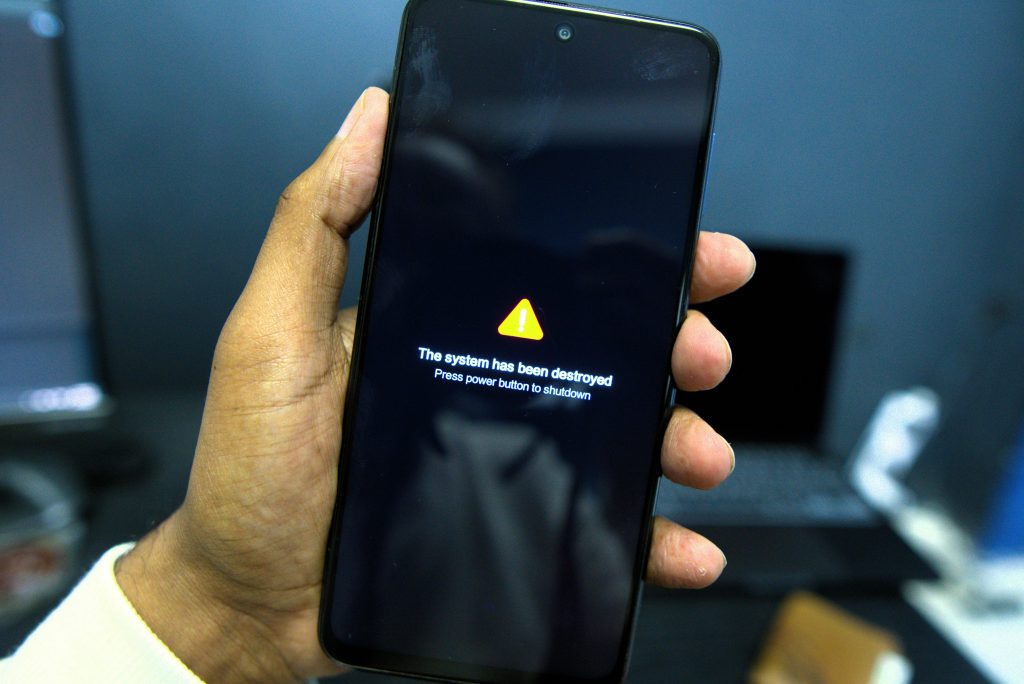
Red Flags: How to Spot Unsafe YouTube Downloaders
Run away immediately if you see:
- Installation wizards trying to install “bonus” software
- Websites with more ads than actual content
- Download buttons that redirect to different sites
- Tools asking for unnecessary permissions (like access to all your files)
- No clear privacy policy or company information
- Overwhelmingly negative reviews mentioning malware or scams
Trust your gut: If something feels sketchy, it probably is.
The Safest YouTube Downloaders That Actually Work
We’ve already covered our comprehensive list of the best and safest YouTube downloaders with detailed instructions on how to use each one – make sure to check that out for the full breakdown. But in the meantime, here’s a quick reference list for good measure:
Desktop Applications (Most Secure Option)
4K Video Downloader Plus The gold standard for safety. Thoroughly checked and verified to be free of adware or malware by 52 antiviruses. Clean interface, regular updates, and no bundled junk software.
yt-dlp (Command Line) For tech-savvy users, this open-source tool is as safe as it gets. No GUI means no ads, no pop-ups, and complete transparency about what it’s doing.
Any Video Converter Recommended by security experts as a safe Youtube video and reliable option with no advertisements. Supports multiple formats and has a clean track record.
Web-Based Downloaders (Use with Caution)
SaveFrom.net One of the older, more established options. Still has ads, but they’re clearly marked and don’t try to trick you.
Cobalt Tools Clean interface, no fake download buttons, and transparent about what it does. Open-source and community-maintained.
Wave.video Passes virus checks and has no popup ads or redirects, making it 100% safe to use according to security reviews.
Browser Extensions (Proceed with Extreme Caution)
Given the recent security issues with browser extensions, we honestly recommend avoiding them entirely. But if you must use one:
Video DownloadHelper (Firefox) Well-known download extension highly recommended by Firefox itself based on security and performance. Firefox’s extension review process is more thorough than Chrome’s.
Why we don’t recommend Chrome extensions: Recent malware campaigns have specifically targeted Chrome users through fake YouTube downloader extensions, and Google’s automatic update system can silently install malicious code without your knowledge.
How to Download YouTube Videos Safely: Step-by-Step
Check out a separate article with a more detailed explanation
Before You Download Anything:
- Update your antivirus software and run a full system scan
- Create a system backup (just in case)
- Research the tool – check recent reviews and security reports
- Verify the official website – don’t download from random sites
Safe Download Process:
- Choose a reputable safe Youtube downloader from our list above
- Download only from official sources – avoid third-party download sites
- Read installation screens carefully – uncheck any additional software
- Test with a throwaway video first – don’t start with something important
- Monitor your system – watch for unusual behavior after installation
Red Alert Checklist:
- Browser homepage changed unexpectedly
- New toolbars or extensions appeared
- Computer running slower than usual
- More ads than normal when browsing
- Antivirus warnings or blocked connections
If any of these happen, stop using the downloader immediately and run a full malware scan.
What Reddit Users Actually Say About YouTube Downloader Safety
The Reddit community has been vocal about YouTube downloader security issues. Users frequently report that tools like Y2Mate are “filled with pop-up advertisements and potential security risks,” with pages redirecting to phishing websites.
Common Reddit complaints include:
- Tools that worked fine initially but became malware-ridden after updates
- Fake versions of legitimate downloaders containing viruses
- Extensions that seemed safe but started hijacking search results
- Web downloaders with deceptive ads and fake download buttons
The consensus? Stick to well-established, frequently updated tools with good community reputations.
Legal and Ethical Considerations
The legal stuff: YouTube’s terms of service explicitly prohibit downloading videos using unauthorized means, which could lead to account suspension or termination. Downloading copyrighted content for personal use exists in a legal gray area, but redistributing or profiting from downloaded content is clearly illegal.
The ethical angle: Content creators rely on views, ads, and engagement for income. If you’re constantly downloading and re-watching content offline, consider supporting creators through other means like merchandise, Patreon, or direct donations.
Our Bottom-Line Safety Recommendations
Safest approach: Use YouTube Premium if you can afford it. It’s the only 100% safe and legal way to download YouTube videos.
Second safest: Desktop applications like 4K Video Downloader Plus. They’re isolated from your browser and undergo more thorough security reviews.
Third option: Reputable web-based downloaders, but use them sparingly and always with an updated antivirus running.
Avoid entirely: Browser extensions and unknown/sketchy websites. The risk just isn’t worth it.
Emergency: If You Think You’re Infected
- Disconnect from the internet immediately
- Run a full antivirus scan with updated definitions
- Use Malwarebytes for a second opinion scan
- Check your browser extensions and remove anything suspicious
- Reset your browser settings if necessary
- Change important passwords after cleaning your system
Conclusion
Remember: being paranoid about security isn’t paranoia – it’s being smart. The internet is full of people trying to make a quick buck off your click, and ‘safe’ YouTube downloaders are prime real estate for scammers.
Your data, your privacy, and your computer’s security are worth more than saving a few bucks on YouTube Premium. Choose your tools wisely, stay vigilant, and always prioritize safety over convenience.
If you’re looking for a trustworthy option, try Tubly – our safe YouTube downloader designed with security and user protection in mind.


