
Let’s be real – we’re living in the age of subscriptions for everything. Your coffee app wants $5/month, your meditation app needs premium, and now YouTube wants you to pay just to download videos? Nah, we’re not about that life.
Why YouTube Premium Exists (And Why We Don’t Need It)
YouTube Premium costs $13.99/month and promises ad-free viewing, background play, and video downloads. Cool features? Sure. Worth the monthly fee when you’re already paying for Netflix, Spotify, and your student loans? Not so much.
We get it – you want to watch that 3-hour video essay about why pineapple belongs on pizza during your commute, or save those workout videos for when your WiFi decides to ghost you. You shouldn’t need to break the bank for that.
The Real Ways to Download YouTube Videos Without Premium
Here’s the thing – there are literally hundreds of YouTube downloaders floating around the internet. Some are sketchy, some are outdated, and some will probably try to install seventeen toolbars on your browser. We’ve done the heavy lifting and tested tons of options to bring you the top 3 most reliable and widely-used methods.
1. yt-dlp (For the Tech-Savvy)
If you’re comfortable with command lines and like feeling like a hacker from a 2000s movie, yt-dlp is your jam. It’s open-source, regularly updated, and works like magic. This is the tool that power users swear by.
2. 4K Video Downloader
Clean interface, reliable downloads, and it actually works without trying to install random software on your computer. The free version handles most of what you need, making 4K Video Downloader perfect for casual users.
3. SaveFrom.net
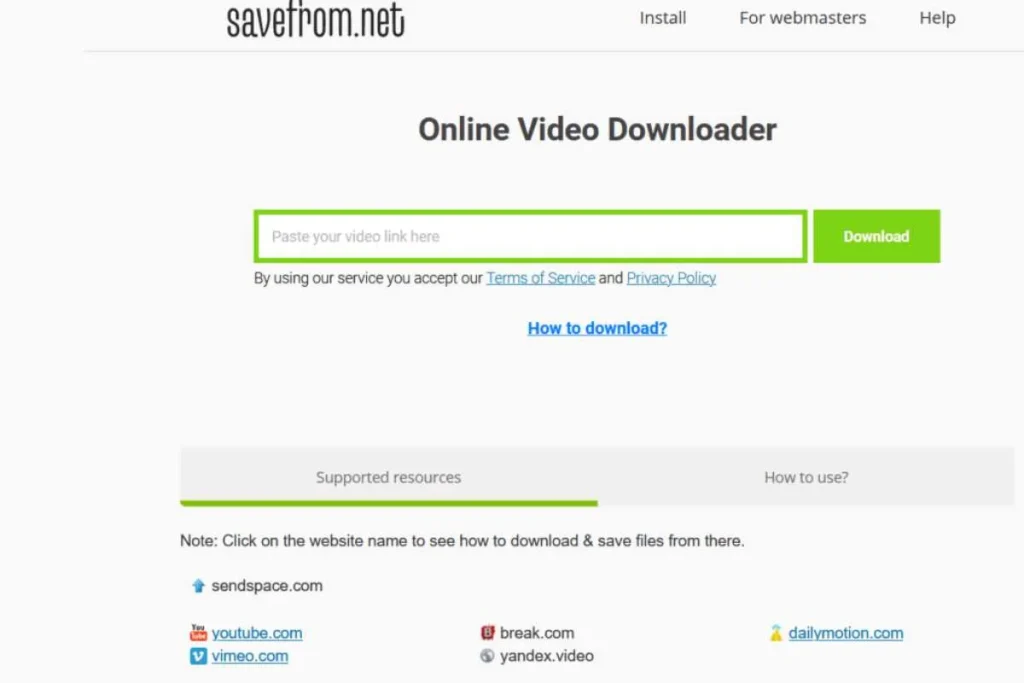
SaveFrom.net is the classic web-based option that’s been around forever. Just paste your YouTube URL, hit download, and you’re good to go. No software installation required.
Browser Extensions – A Whole Different Game
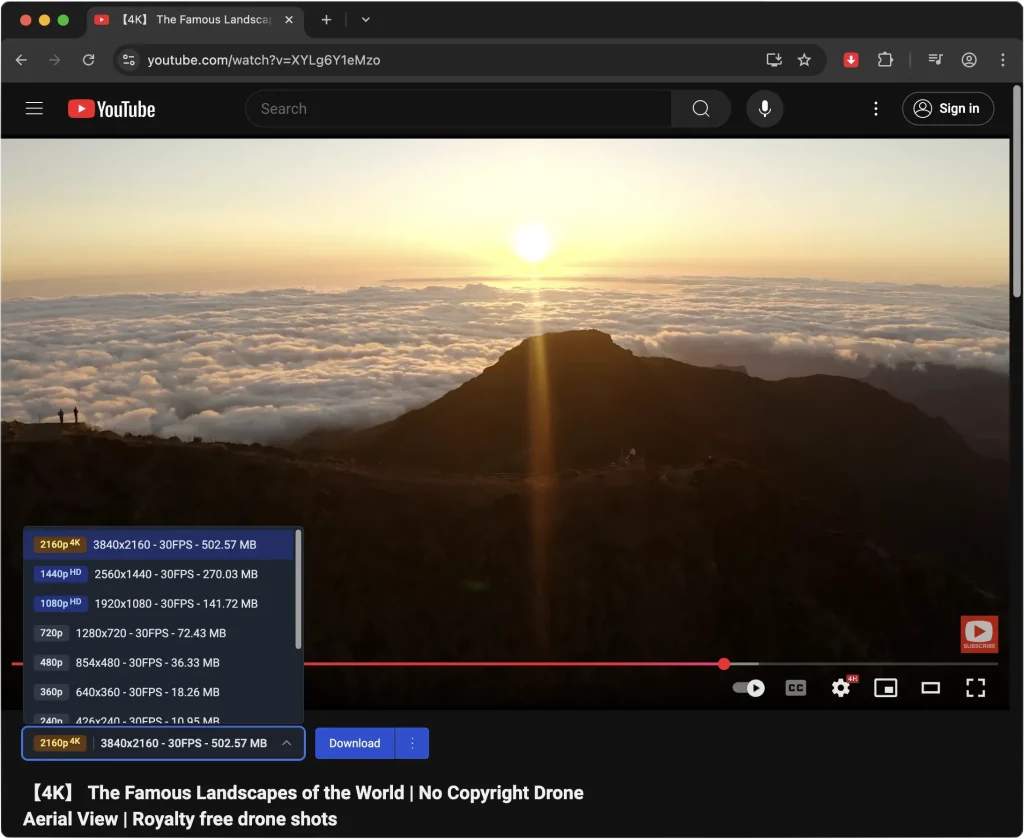
Browser extensions are where things get interesting. Instead of bouncing between apps or copy-pasting links into random websites, you just hit a button right inside YouTube and the video’s yours. It feels like YouTube finally added the download feature we’ve all been waiting for.
That’s the magic: no extra steps, no headaches, just click and save. Some extensions even let you choose 4K video quality, grab audio-only files, or download entire playlists in one go. For heavy YouTube users, it’s a total time-saver.
Browser extensions deserve their own deep dive (which we’ve covered in a separate article about YouTube browser extensions).
Mobile Apps
Let’s talk about the elephant in the room: mobile apps became the go-to solution around 2018-2019 when people realized they have their phones glued to their hands 24/7. Why struggle with desktop downloads when you can grab videos directly on the device you’re probably already watching them on?
NewPipe (Android): This open-source beauty emerged as the champion for Android users. No Google Play Store drama, no tracking, just pure YouTube downloading goodness. It’s like YouTube but better, and it’s been the Android community’s secret weapon since it gained serious traction in 2019.
Documents by Readdle (iOS): iPhone users had to get creative since Apple’s App Store doesn’t play nice with YouTube downloaders. Documents became the workaround – use it as a browser to access web-based downloaders, and boom, you’re downloading videos directly to your iPhone.
The mobile route is honestly the easiest for most people. Your phone is always with you, the apps are designed for touch interfaces, and you can download videos the moment you find them instead of bookmarking them “for later” (we all know how that goes).
Pro Tips for Smart Downloading Without YouTube Premium
Quality Matters: Most free tools let you choose between 720p and 1080p. Pick based on your storage space and how much you actually care about crystal-clear footage of cats being weird.
Be Smart About Storage: Those 4K videos of someone making sourdough starter are gorgeous but will eat your phone’s storage faster than you can say “gluten-free.”
Respect the Creators: If you’re constantly watching someone’s content, consider supporting them directly through their other platforms or merch.
Read also: How to Download YouTube Videos: The Complete Step-by-Step Guide
The Bottom Line
Look, we’re not anti-subscription – we’re just pro-choice. YouTube Premium has its perks, but downloading videos shouldn’t require a monthly commitment. Whether you’re a Gen Z college student stretching every dollar or a millennial trying to balance seventeen different streaming services, these free methods exist because we believe the internet should work for everyone.
Pick your poison: command-line power with yt-dlp, desktop simplicity with 4K Video Downloader, web-based convenience with SaveFrom.net, or mobile-first solutions with NewPipe and Documents. The choice is yours, and your wallet will thank you.


