
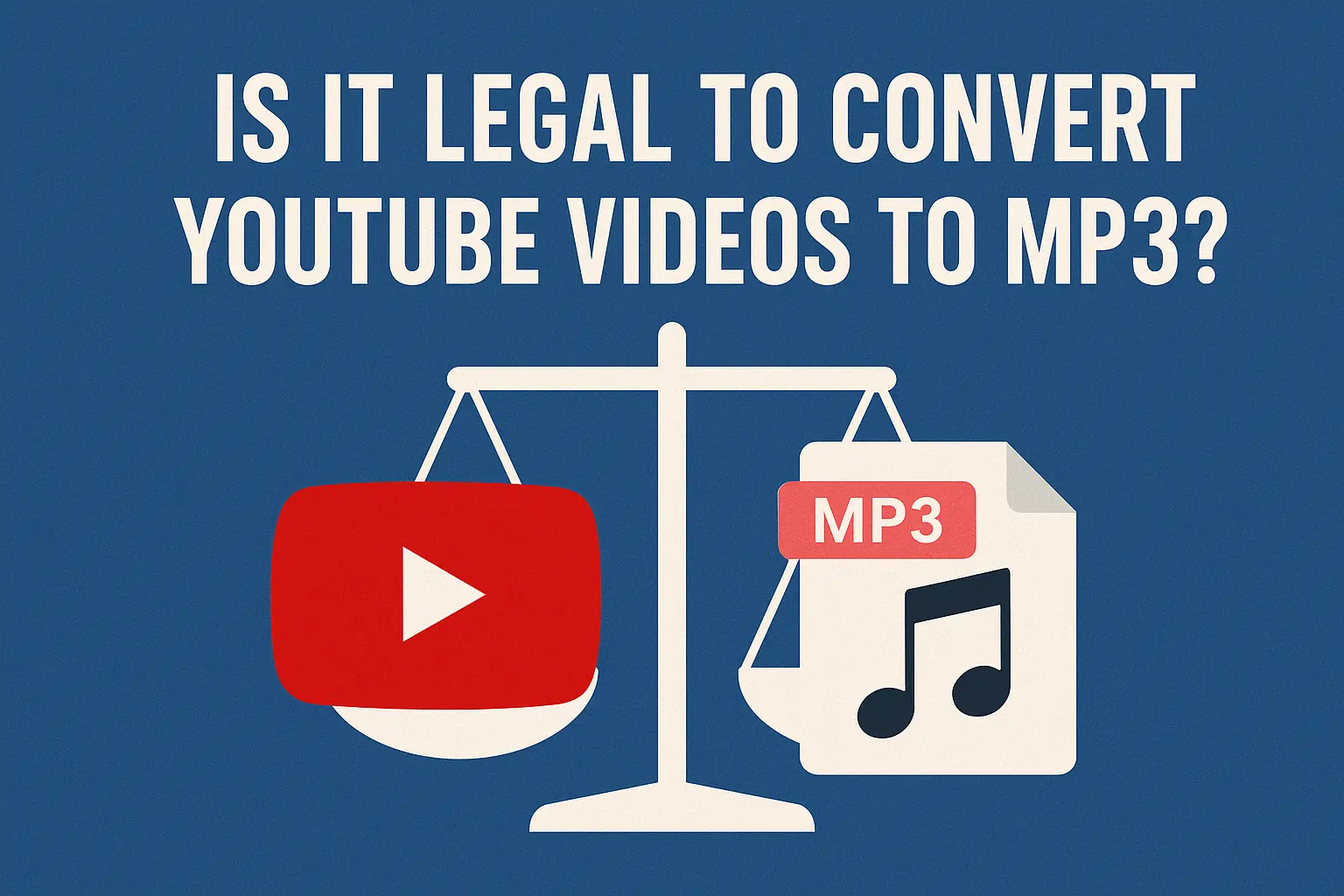
Ever wondered if it’s really okay to convert that catchy tune from YouTube video?
Some people download songs without thinking twice, while others spend time searching online, trying to figure out if they’re breaking the law.
In this article, we’ll go over the key points you need to know about converting Youtube videos to an MP3 format – what’s legal, what’s not, and how to avoid problems. Clear, simple, and straight to the point.
Is Youtube To MP3 Legal: YouTube’s Terms vs the Law
Let’s deal with the practical side of things and look at something most people don’t really pay attention to – YouTube’s Terms of Service. It’s easy to assume that if a video is online, it’s fair game. But there’s a difference between what YouTube allows and what the law says.
YouTube’s Terms of Service
Even if you’re just converting a video to MP3 for yourself, YouTube’s rules technically don’t allow it. Their Terms of Service clearly state that users aren’t allowed to download or copy any content unless there’s a download button provided directly by YouTube (like on YouTube Premium). So even if you’re not selling the file or sharing it, using a third-party converter to save a video or song still goes against the platform’s rules.
You’re probably not going to get a personal warning from YouTube for downloading a video privately, but it’s still important to know that using those tools isn’t something YouTube approves of.
What the Law Says?
When it comes to the law, things aren’t as strict across the board. If you’re downloading your own video, something that’s clearly in the public domain, or a clip that’s been released under a Creative Commons license, that’s generally allowed.
It gets tricky with copyrighted contentlike music videos or popular shows – because even converting video to MP3 for personal use might fall into a legal gray – area depending on where you live. Some countries allow limited private copying, while others treat it more seriously. So the answer often depends on both the type of content and your local copyright laws.
When Converting Youtube Video to MP3 is illegal
If you’re using a YouTube to MP3 converter to download songs that are protected by copyright – like popular music tracks, movie clips, or TV show scenes you’re likely stepping into illegal territory. Even if it’s just for personal use, downloading this kind of content without permission can still be considered copyright infringement.
It becomes even more serious if you’re using tools that bypass YouTube’s built-in protections (like stream-ripping software). These tools are often flagged for breaking digital rights management (DRM) laws, and some have already been taken to court by music industry groups.
Why Music Labels Go After Converter Sites?
In recent years, major record labels haven’t just warned people about downloading – they’ve taken legal action. Several high-profile lawsuits have been filed against websites that offer stream-ripping services (the kind that convert YouTube videos into downloadable MP3 files). These platforms often attract millions of users and host content that clearly violates copyright laws, especially popular music.
Labels argue that these services hurt artists and the industry by bypassing legitimate platforms like Spotify, Apple Music, or YouTube Premium. Some of these converter sites have been shut down or forced to pay large settlements.
And while the lawsuits usually target the platforms, individuals aren’t totally in the clear. If you download copyrighted music and then share it — whether through a messaging app, social media, or even just uploading it somewhere — you could be held responsible for distribution. That carries a much higher legal risk than simply listening for personal use.
In short: if you’re sharing the files you convert, even casually, the legal line gets crossed pretty fast.
When Converting Youtube Video to MP3 Might Be Okay
Like most things online, there’s a bit of a loophole — and this one actually works in your favor. If you’re converting a YouTube video to MP3 format that you uploaded yourself, or one that’s clearly marked as Creative Commons, you’re generally on the safe side. That’s because you either own the rights to the content or the creator has given open permission for others to use it.
Creative Commons licenses are designed exactly for this purpose — to let people reuse, remix, or download content legally, often with just a credit to the original creator. So if the video clearly says it’s licensed this way, converting it to MP3 for personal use or even creative projects is usually allowed.
Of course, it still makes sense to check the specific license terms, but in most cases, this route avoids the legal risks tied to copyrighted music and shows.
Avoiding Trouble: Pro Tips
If you’re set on converting Youtube content to MP3, here’s how to do it in a smarter, safer way:
- Stick to content that’s safe: Look for Creative Commons or public domain videos, or ones you’ve uploaded yourself. Avoid copyrighted music and movies unless you have permission.
- Don’t share the files: Keeping MP3 downloads for personal use only helps reduce risk. Sharing or uploading them elsewhere pushes you into illegal territory.
- Know your local laws: Rules around personal copying vary by country. What’s okay in one place might not be in another.
- Use the right tools: Not all MP3 converters are the same. Some are filled with ads, trackers, or shady code.
Real-World Risk: What Really Happens When You Download an MP3
Most people aren’t getting sued for converting a single Youtube video to an MP3 format – but that doesn’t mean there’s no risk. The real trouble starts when downloads pile up, get shared, or involve copyrighted content from big artists or companies.
Real-world risk management means thinking a step ahead. So, ask yourself:
- Are you using safe content?
- Are you keeping it for personal use?
- Are you avoiding shady converter sites with pop-ups and trackers?
- Are you using a tool that respects your privacy and keeps things clean?
- Are youtube to mp3 converter legal?
Quick Checklist Before Start Converting Youtube Videos to MP3
- Only download content you uploaded yourself
- Look for Creative Commons or public domain licenses
- Avoid copyrighted music, movies, and TV clips
- Never share or reupload converted files
- Use tools that respect YouTube’s terms (like Tubly for safe, intended use)
- When in doubt, skip the download and stream instead
Read also: 7 Best YouTube Downloader Chrome Extensions in 2025
Conclusion
Most people don’t think twice about converting a YouTube video to MP3 — but in some cases, it can lead to serious consequences. It’s not something that gets talked about often, but it’s good to know where the line is. We hope this article answered your questions and gave you a clearer picture of what’s legal, what’s not, and how to stay on the safe side.

